VS Code has a Screencast mode which highlights the cursor position and outputs the keystrokes which can be useful for demos or presentations. Originally introduced in VS Code 1.31 It has been enhanced in VS Code 1.63.
Turning on Screencast
Open the command palette (Windows & macOS: F1) and type:
toggle screencast mode

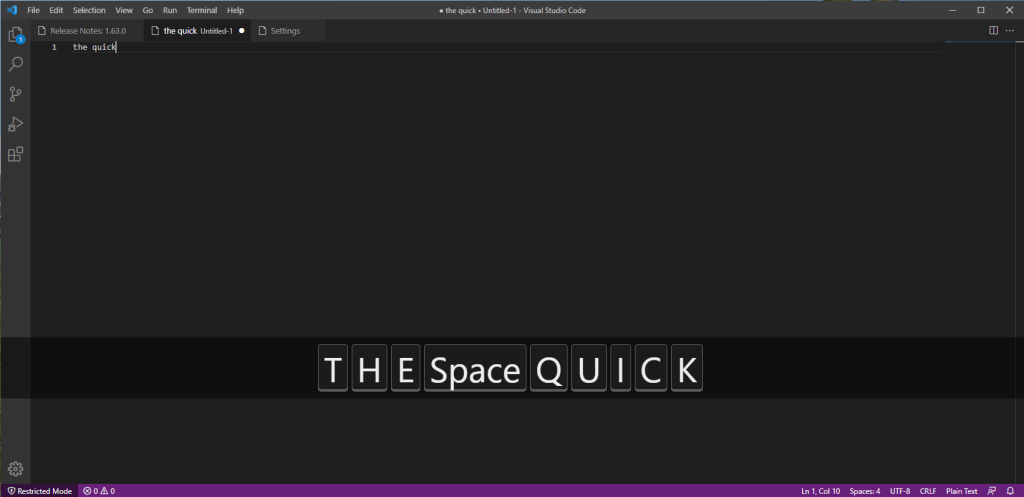
With screencast mode enabled, typing displays the keystrokes:
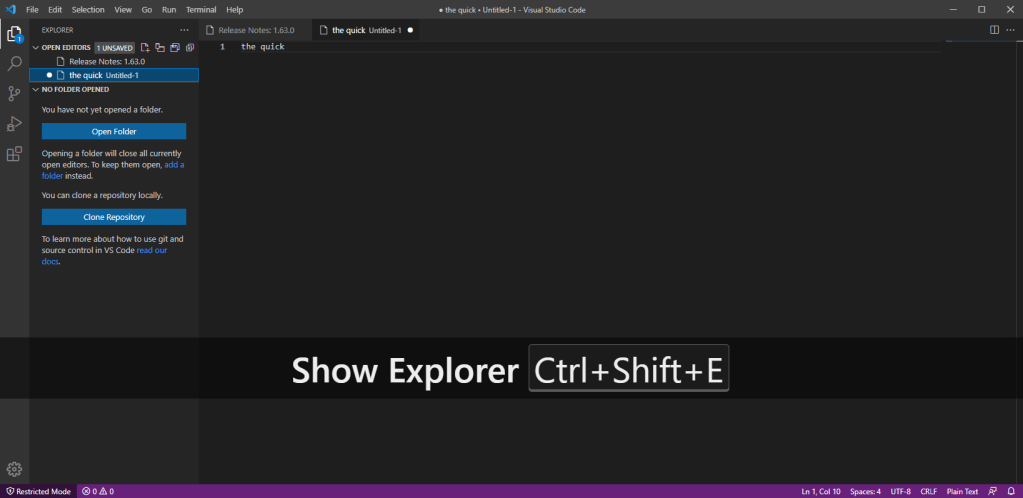
The latest enhancement introduced by VS Code 1.63 displays the command names in addition to the keystrokes:
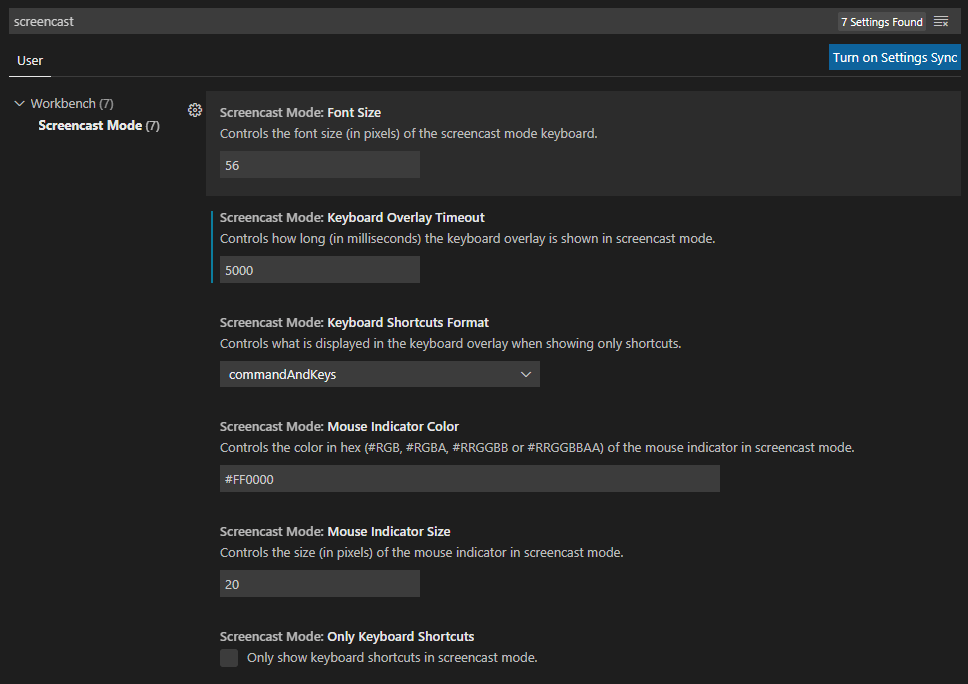
Settings
There are options to configure screencast mode. Open the settings (Windows: CTRL + , macOS: COMMAND + , ) and type screencast
 iancarpenter.dev