Context
You have a dynamic region that for whatever reason takes time for the data to be displayed. You have enabled lazy loading. Rather than solely rely on a busy spinner you would like to provide the user with more information.
The existing application
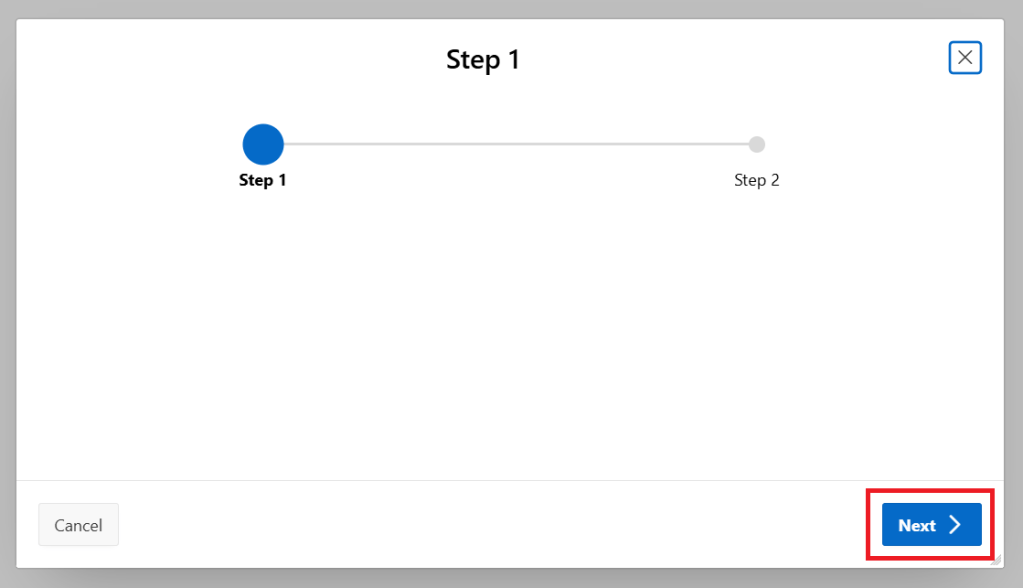
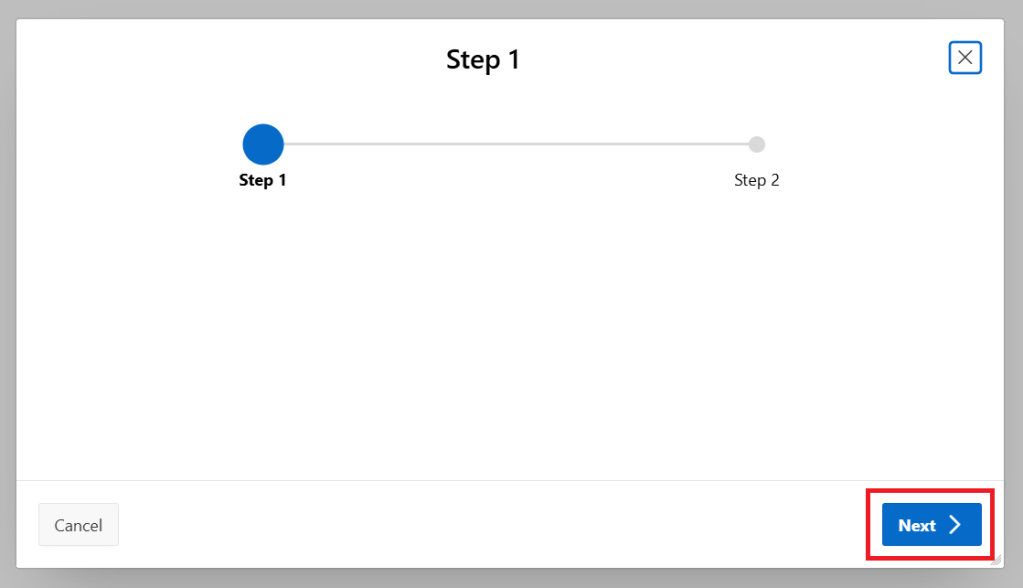
The user clicks the Next button
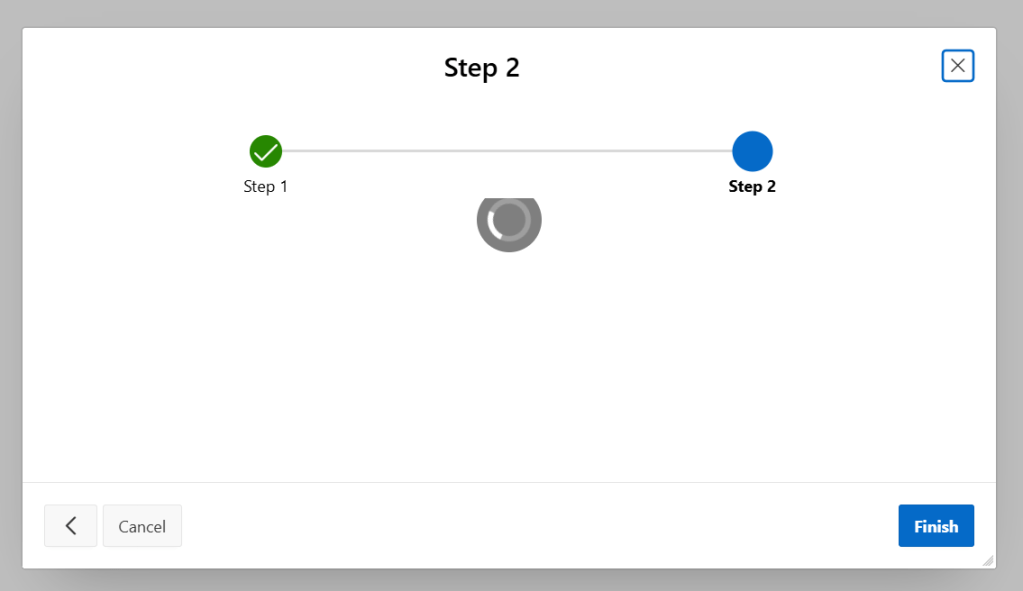
Whilst the region is loading, the user sees a spinner but nothing else.
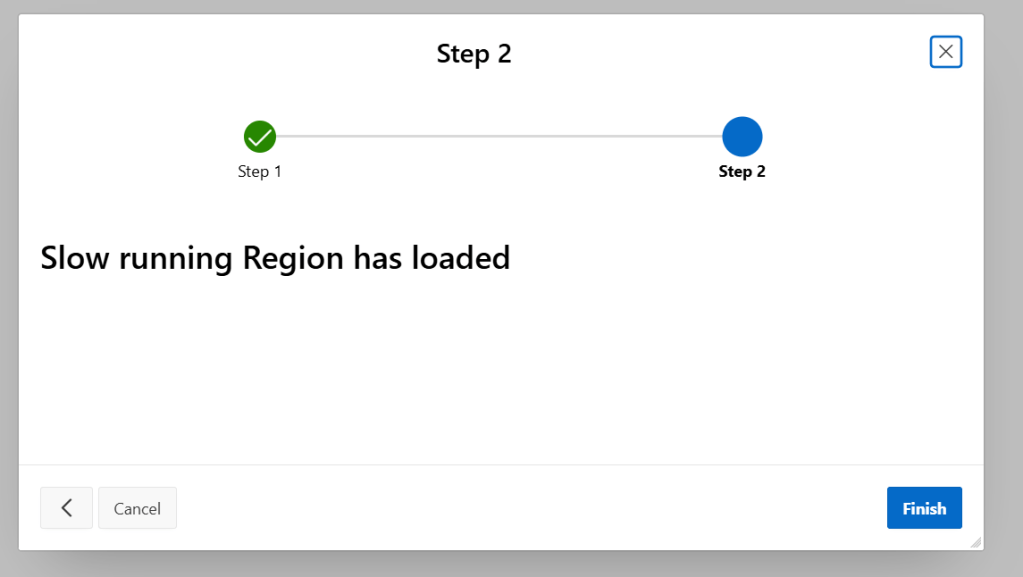
Once the region has loaded the user can now interact with the page.
Changes
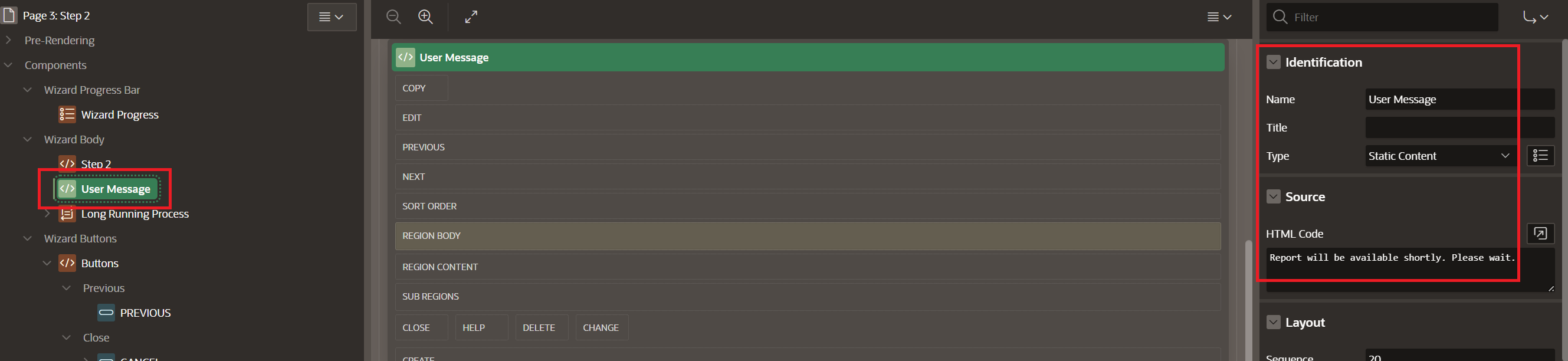
Add a new region to hold the message to be displayed. I’ve used a Static Content region called “User Message”, with the display text “Report will be available shortly. Please wait” placed in the HTML code section.
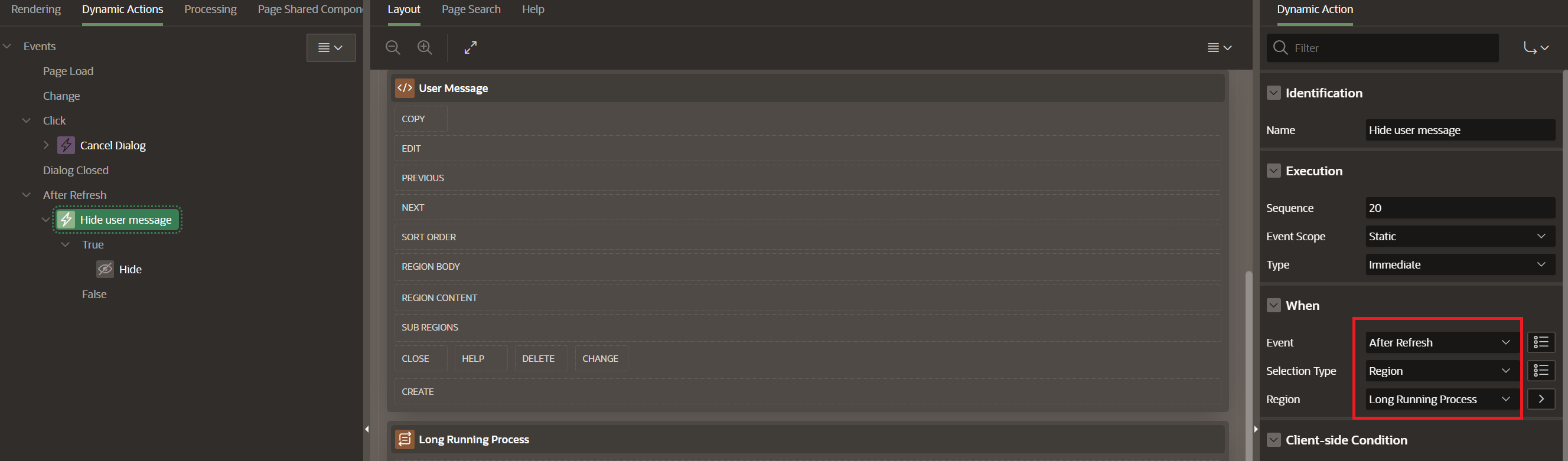
Next, create a new Dynamic Action (DA) called Hide user message which is triggered by the APEX framework event After Refresh. The DA Selection Type is set to Region and Region set to the name of the long running region.
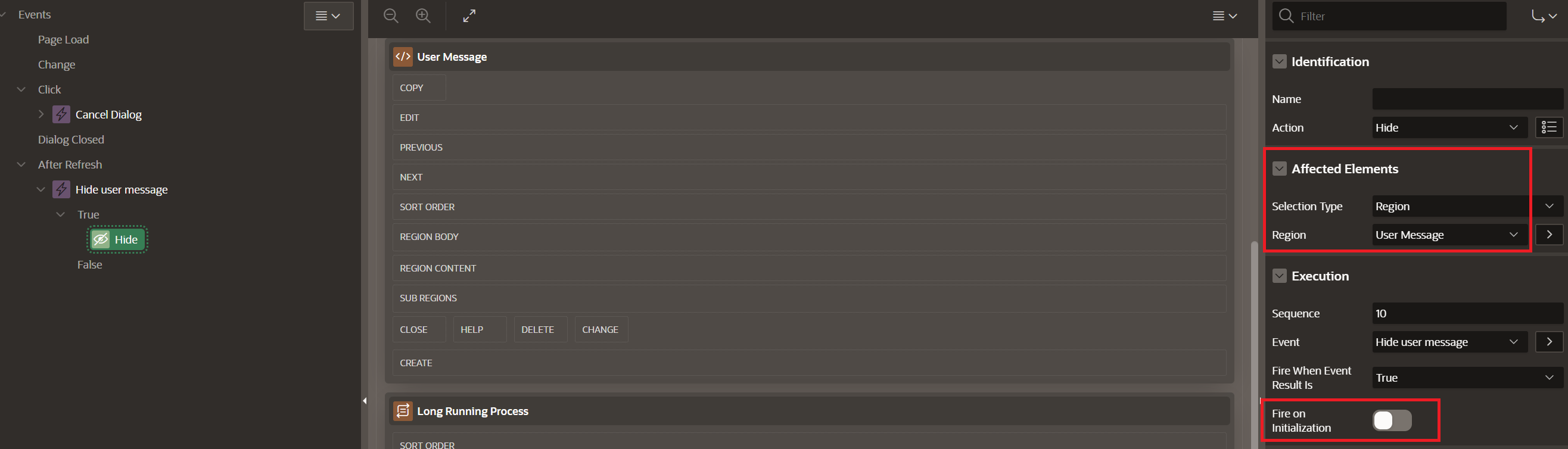
The DA has one action which is to hide the “User Message” region. Set Selection Type to Region and the Region to the name of the region with the user message. Ensure to turn off the “Fire on initialization” otherwise this region will be hidden on page load.
With these changes in place, run the application.
The application after the changes have been applied
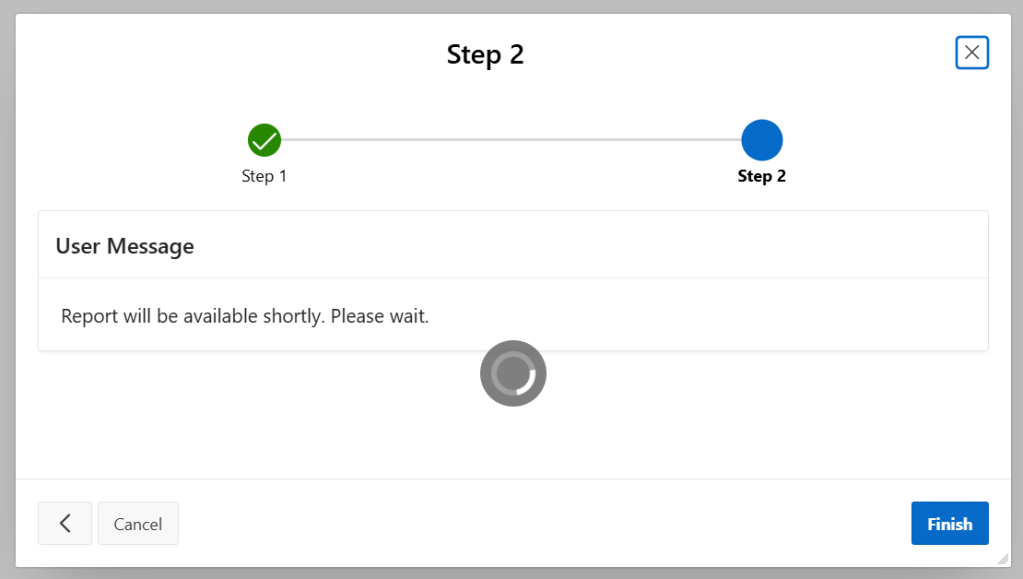
Now when the user presses Next
They are presented with further information whilst the long running region obtains it’s data.
Once the long running region completes and is displayed the User Message region is hidden.
 iancarpenter.dev